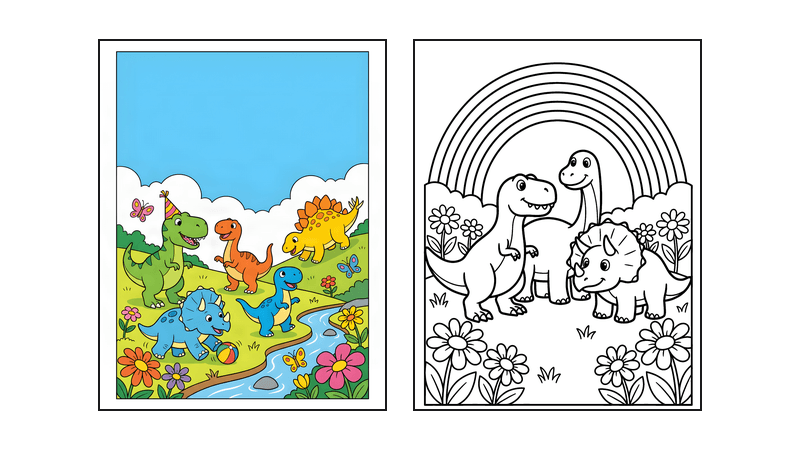
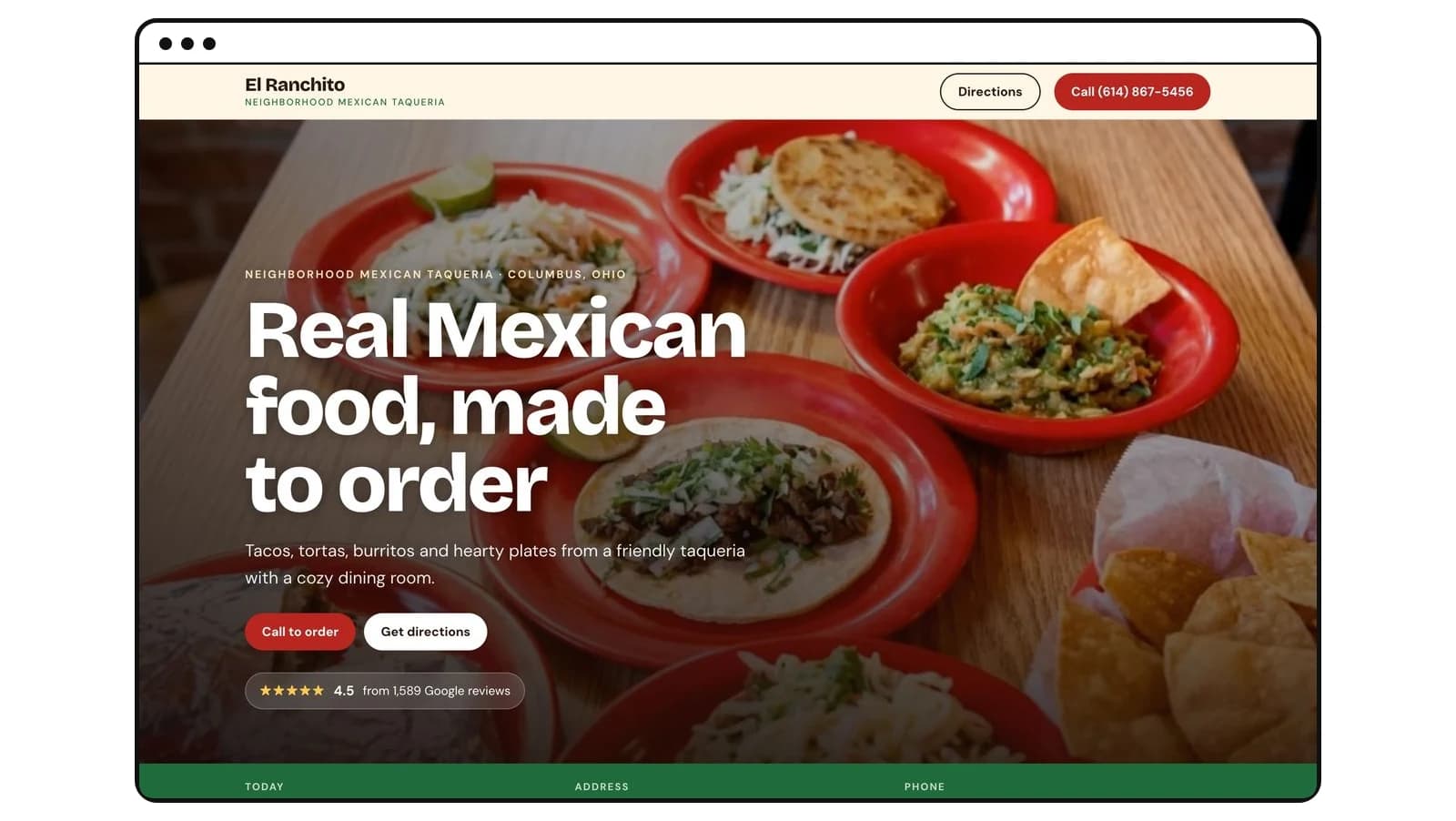
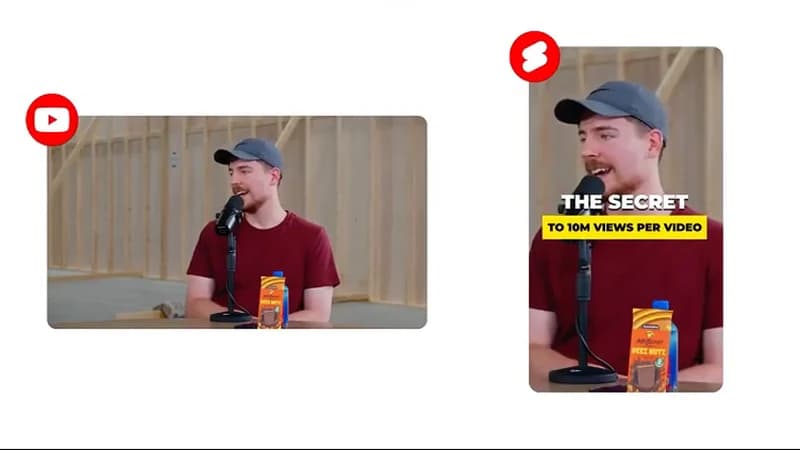
Run a YouTube channel with kids animation
Paste a kids channel that does well on YouTube, see what its new videos have earned, and get a month of original episodes — each a finished video with a sung nursery rhyme or a narrated story, plus thumbnail and captions.
The plan, script and first scene are free — no sign-up.
YouTube pays you for the views
You upload to your own YouTube channel. Once it is in the YouTube Partner Program, ads run on your videos and YouTube pays you a share — about $1–3 per thousand views for videos made for kids. Each video costs you once; its views keep paying.
- Ad revenue per million views$1K–3K
Lower than the $2K–10K you see quoted for YouTube generally, and not because kids content underperforms. Marking a video as made for kids turns off personalized ads, which is the law, not a setting — so only contextual ads run and the RPM lands around $1–3 per thousand views instead of $2–10.
- Your cost per video109 credits
About $10.90 on the $12 Hobby plan for a 30-second sung episode — six scenes drawn, animated, sung and cut together, with a thumbnail and captions — and as little as $3.10 on the annual Plus plan. A narrated story is 88 credits. You see every scene as a picture (4 credits each) before the animation (10 credits a scene) is spent.
- Views to pay it back~7,300
At $1.50 per thousand views — the middle of the made-for-kids range for regular 16:9 videos — the $10.90 a video costs on Hobby comes back at about 7,300 views (about 2,100 on the annual Plus plan). Shorts pay far less, roughly $0.02–0.05 per thousand kids views, so a Short needs something like 220,000–545,000 on Hobby. Pick 16:9 when earnings per view matter more than reach.
From idea to upload, step by step
All in the browser. The plan, script and first scene are free — no sign-up.
- 01
Find a kids channel that already works
On YouTube, open a kids channel whose videos you would want to make, go to its Shorts or Videos tab and sort by Popular. Read the view counts on individual videos, not the subscriber count. Pick a channel that posts every week, then copy its link — or the link of one video that does well.
Tip: View count on one video tells you demand; subscriber count on the channel tells you how long someone has been uploading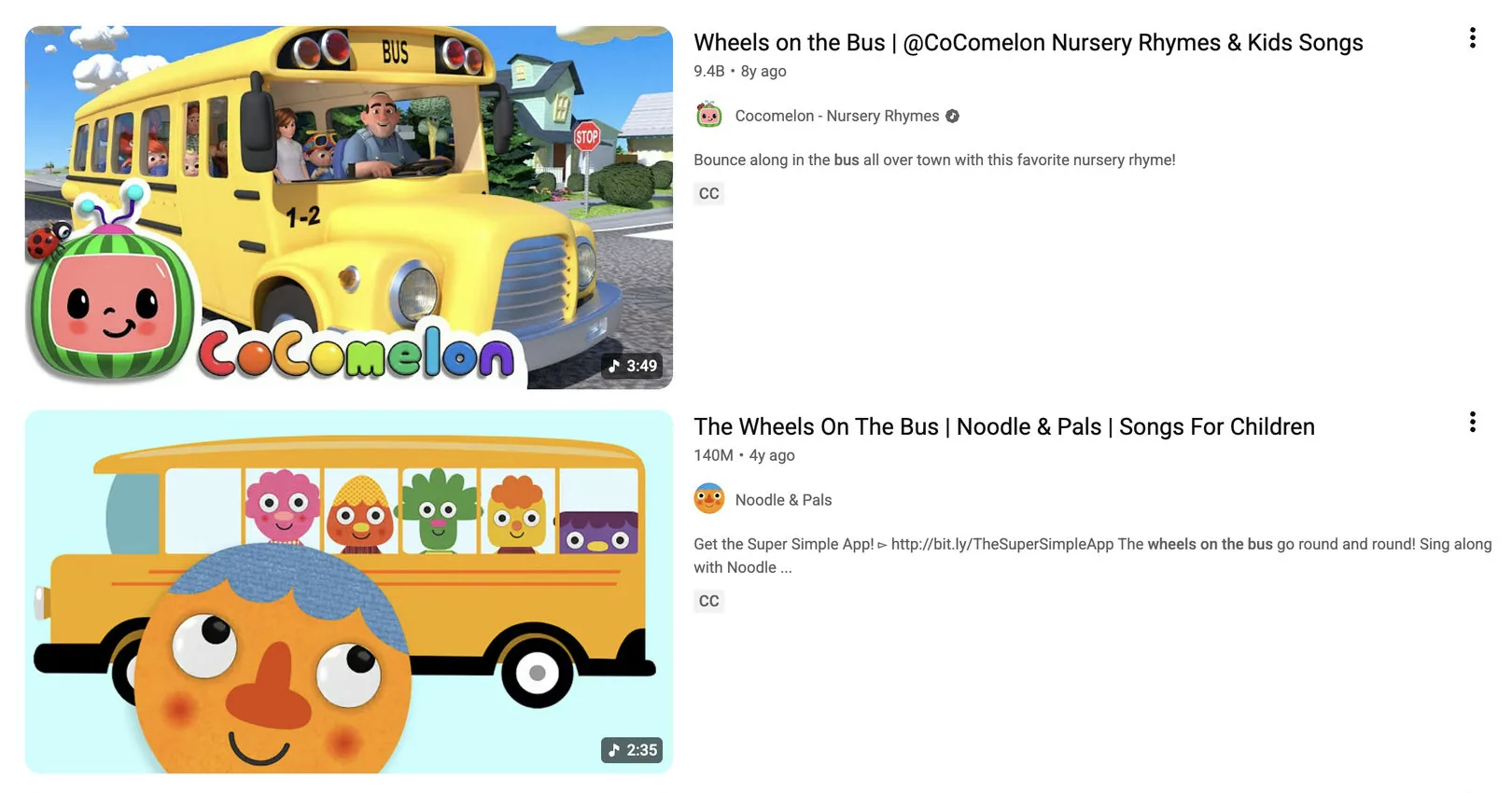
One search, real numbers. The view count sits under each video — that is the figure to read, not the channel's. - 02
Paste the link and see what it earned
Paste the channel or video link into the video maker. For a channel it adds up the views on every video it posted in the last 30 days; for a single video it reads its views and date. Either way you get an estimated range — about $1–3 per 1,000 views for regular made-for-kids videos and $0.02–0.05 for Shorts, because YouTube doesn't publish earnings. Pick the video to start from, a look and a length and press Make a similar video: we plan an original series in the same niche and shape (vertical for a Short, horizontal for a regular video), with a recurring cast and 30 different episode ideas. Its logos, characters and music are never copied. Only traditional rhymes are used and they are sung fresh, so there is no famous recording for Content ID to match.
Tip: No link? Start from a song instead — pick a rhyme and a look (3D, clay or storybook) and you still get the month of ideas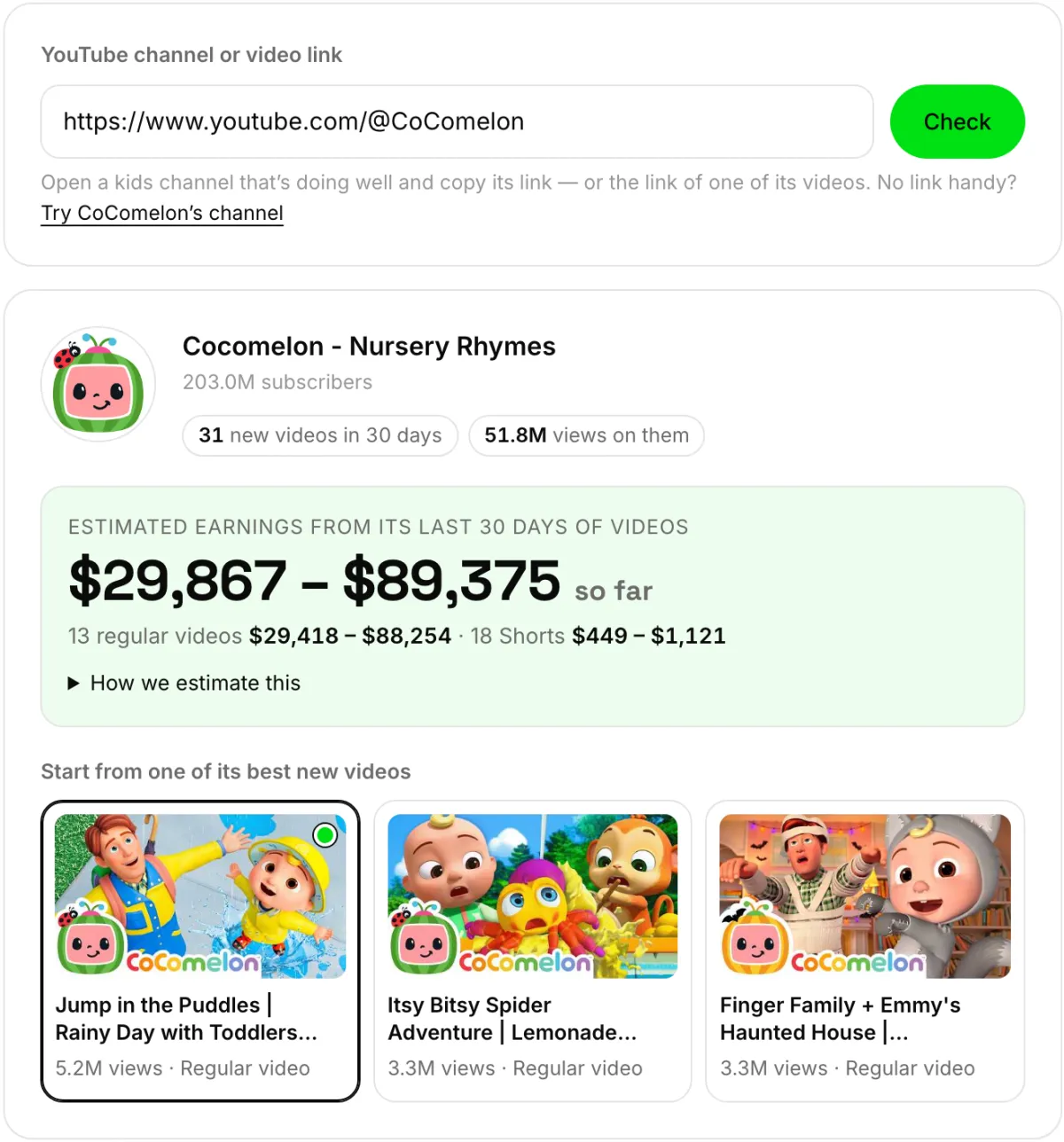
The real screen. The estimate is views × a typical rate per 1,000 views — a guide to the niche, not a promise for your channel. - 03
See the script and the first scene, free
Pick an idea and you get the scene-by-scene script: what is sung or said, what we see, what moves, and an optional big word on screen. Change any line for free. Then scene one is drawn as a picture — still with no sign-up. That picture is the actual first frame of the video.
Tip: You get two free tries at the first scene. Describe the change ("closer, bigger smiles") rather than rerolling blind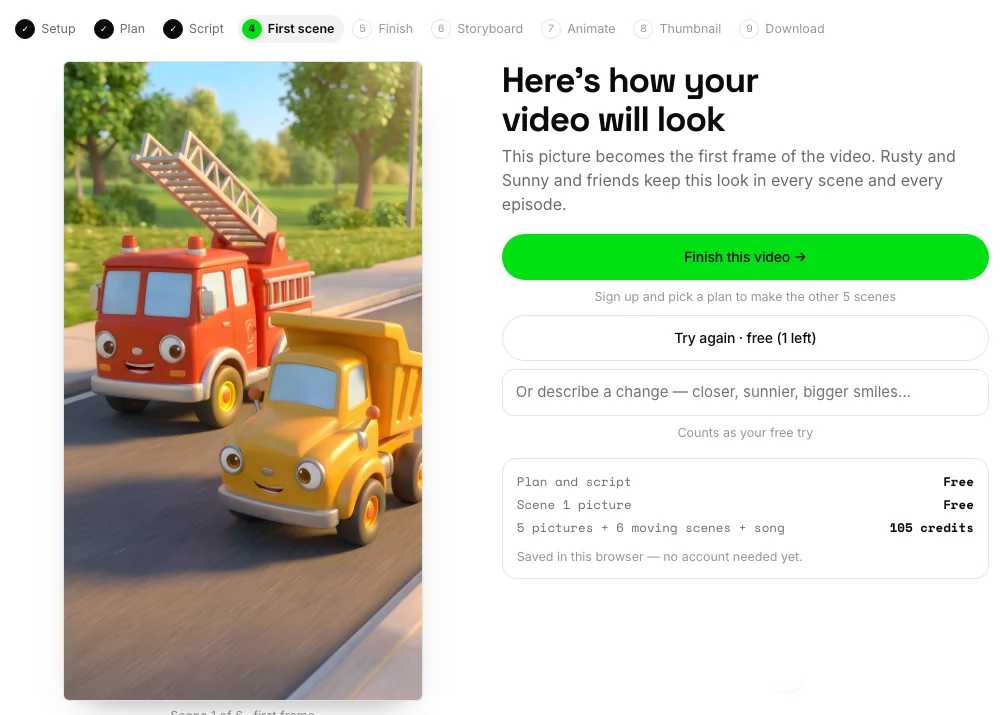
The real first-scene screen. This picture becomes frame one, and the cast keeps this look in every scene and every later episode. - 04
Approve the storyboard, then it moves
After you sign up, the other scenes are drawn as pictures first. Redraw any of them for 4 credits until they are right — the animation, at 10 credits a scene, only starts when you approve. Then each picture is animated, the rhyme is sung to fresh music timed to your scenes (or a narrator reads the story), the big words go on top, and it is all cut into one MP4. It takes about four minutes.
Costs 109 credits for a sung 30-second episode (88 narrated)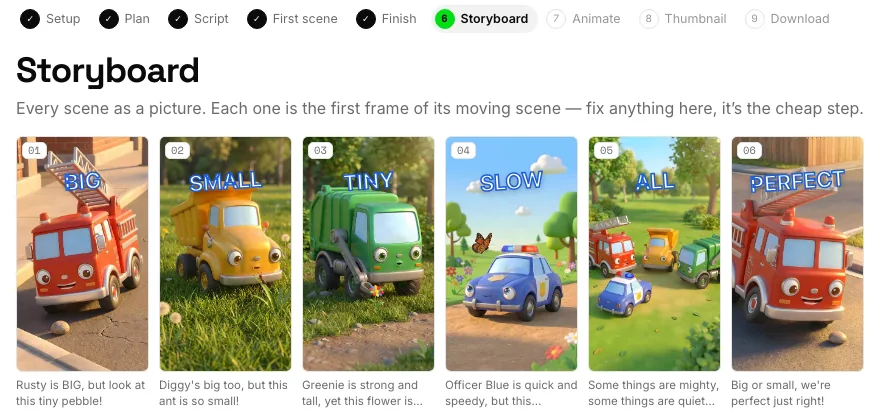
A real storyboard. Each picture is the first frame of its moving scene; the big words are added on top, never drawn by the model. - 05
Add a thumbnail and download
Use a scene for the thumbnail or have one drawn (4 credits), then put the title on top in the same editor the book covers use. Download the MP4, the 1280 × 720 thumbnail and a caption file timed to each scene, and copy the title, description and tags written for YouTube.
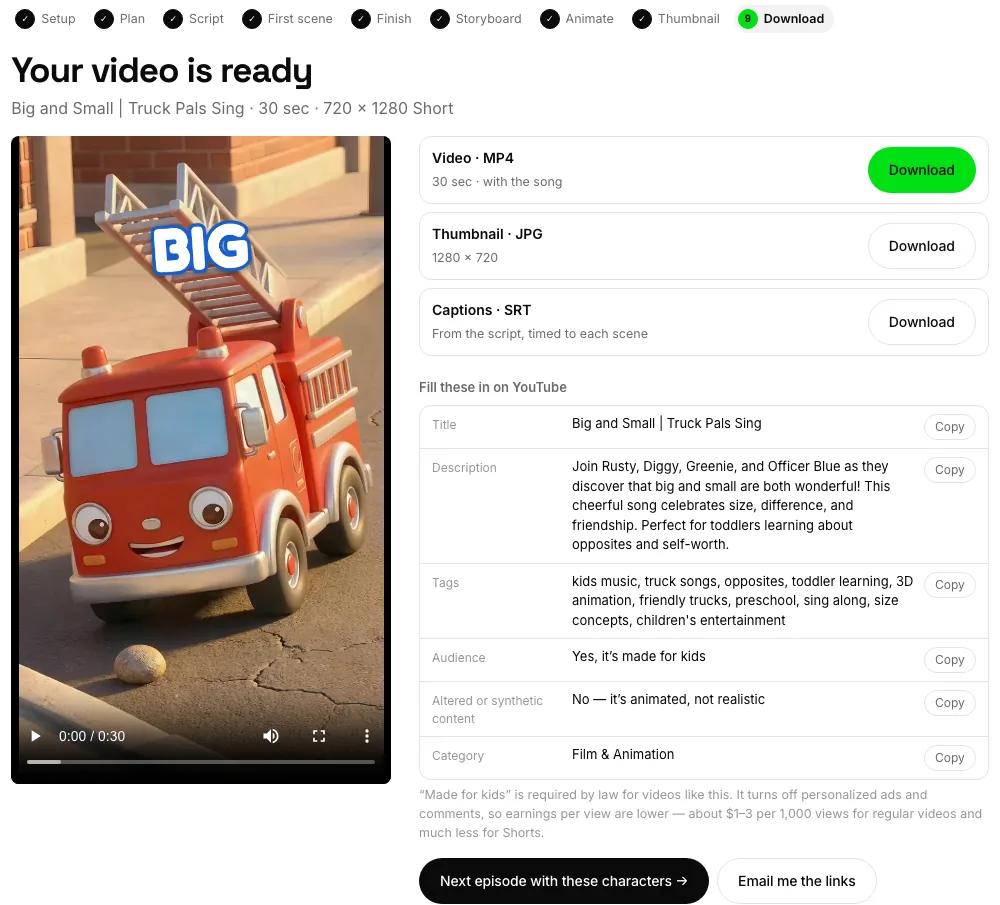
The download screen: video, thumbnail and captions, plus the fields to paste into YouTube. - 06
Upload and mark it made for kids
Marking it made for kids is a legal requirement, and it is worth knowing what it turns off: personalized ads, comments, the notification bell, end screens and cards, channel memberships, Super Thanks, and save-to-playlist. Every tool for converting a viewer into a subscriber is gone. That is why the advice is to start the next episode rather than to promote this one — search and the suggested-video shelf are what is left, and both reward a library.
Tip: Set it at the video level as well as the channel level — the channel setting alone does not cover you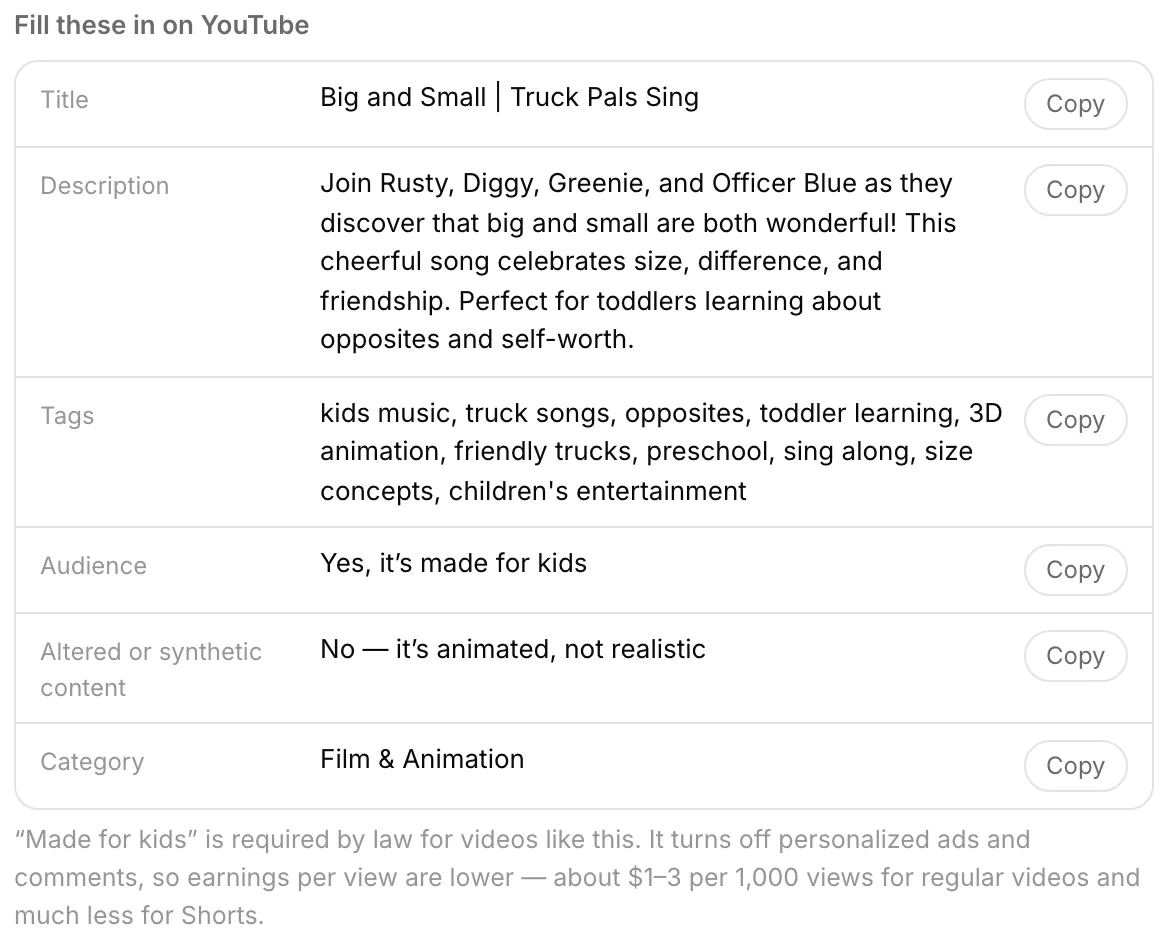
Every field in YouTube's upload form comes written for you, including Audience: made for kids.
Your questions, answered
How long is each video?
Thirty seconds (six scenes) or sixty (twelve), five seconds a scene. It is capped there on purpose: every scene is a separate generation with a real cost behind it, so a three-minute episode would cost about six times as much. Short and frequent also suits the format — a kids channel is built on a library, not on one long upload.
Does it come with music?
In the video maker, yes: nursery rhymes and word videos are sung to fresh music made for your scenes, each line landing on its scene. Only traditional lyrics are used and nothing is taken from a famous recording, so there is nothing for Content ID to claim. Stories are read by a narrator — you pick one of four voices. From Claude you get narration only.
Can I copy a channel I like?
You can copy its format, not its content. The video you start from tells us the niche and the shape, and its thumbnail tells us the look; the series you get has its own name, its own cast and its own episodes. Asking for someone else's characters — CoComelon, Bluey, Paw Patrol and the like — gets an original alternative instead, because YouTube takes those videos down.
Does YouTube allow AI-made kids content?
Yes, with rules that apply to everyone. You must mark videos as made for kids, and that turns off more than most people expect: personalized ads, comments, the notification bell, end screens and cards, channel memberships, Super Thanks, and save-to-playlist. YouTube also removes low-effort mass-produced content, so the channel still needs a real theme, consistent characters and episodes that differ from each other — which is why every idea in your month uses a different song or story.
How many videos before the channel earns anything?
YouTube requires 1,000 subscribers and 4,000 watch hours before you can monetize at all, and on a made-for-kids channel you have to reach that without the bell, end screens, or comments. Search and suggested videos are what is left, and both favor a channel with a lot of episodes on one theme — which is why cost per video matters more than the quality of any single one.
Will the characters stay the same across episodes?
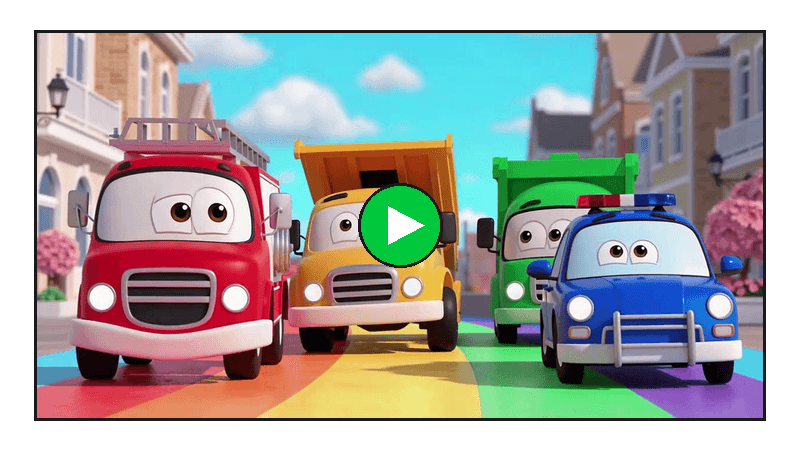
Yes — that is what the series is for. A cast sheet is drawn once from your first scene and every scene of every episode is drawn from it, so the same truck keeps the same face. Words on screen are never drawn by the model, where they come back garbled; we add them on top.
What if a scene comes back wrong?
Fix it while it is still a picture: redrawing a scene costs 4 credits. After it moves, one scene can be animated again for 10 and the video is put back together for 1. Failed jobs are refunded automatically.
Run a YouTube channel with kids animation
The plan, the script and the first scene are free, with no sign-up. You see how your video will look before you pay for anything.
Make a video →